 Zoonote
A modern, light, calm, simple yet powerful enough note-taking app.
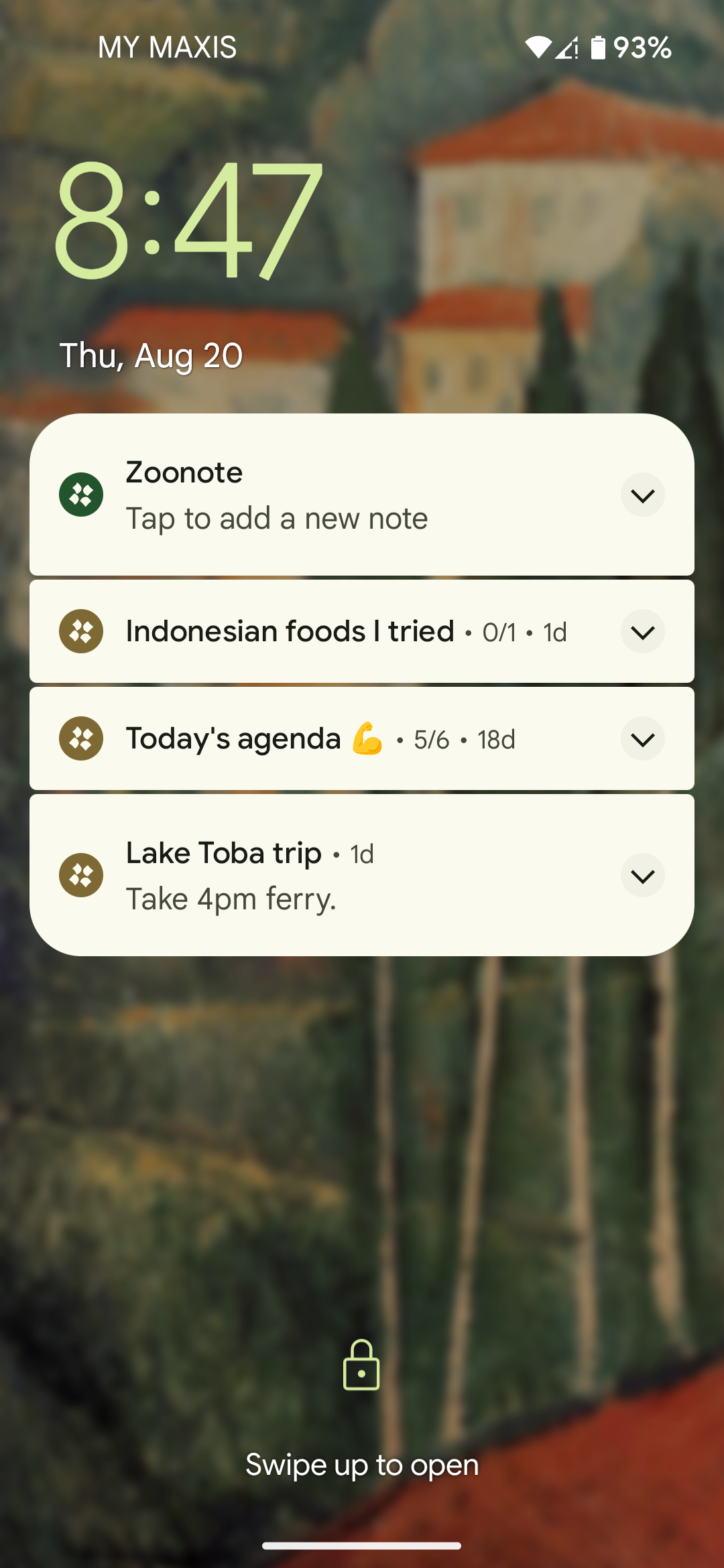
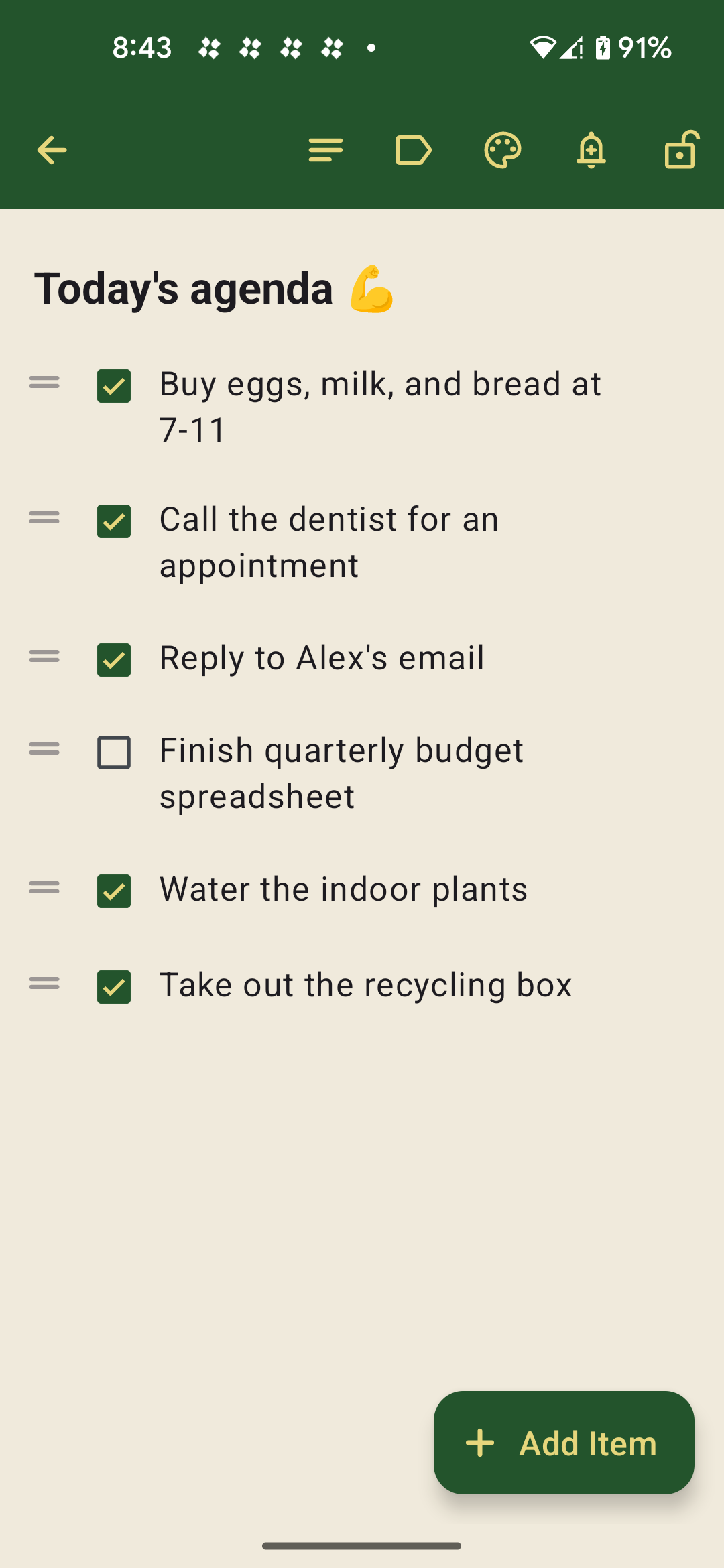
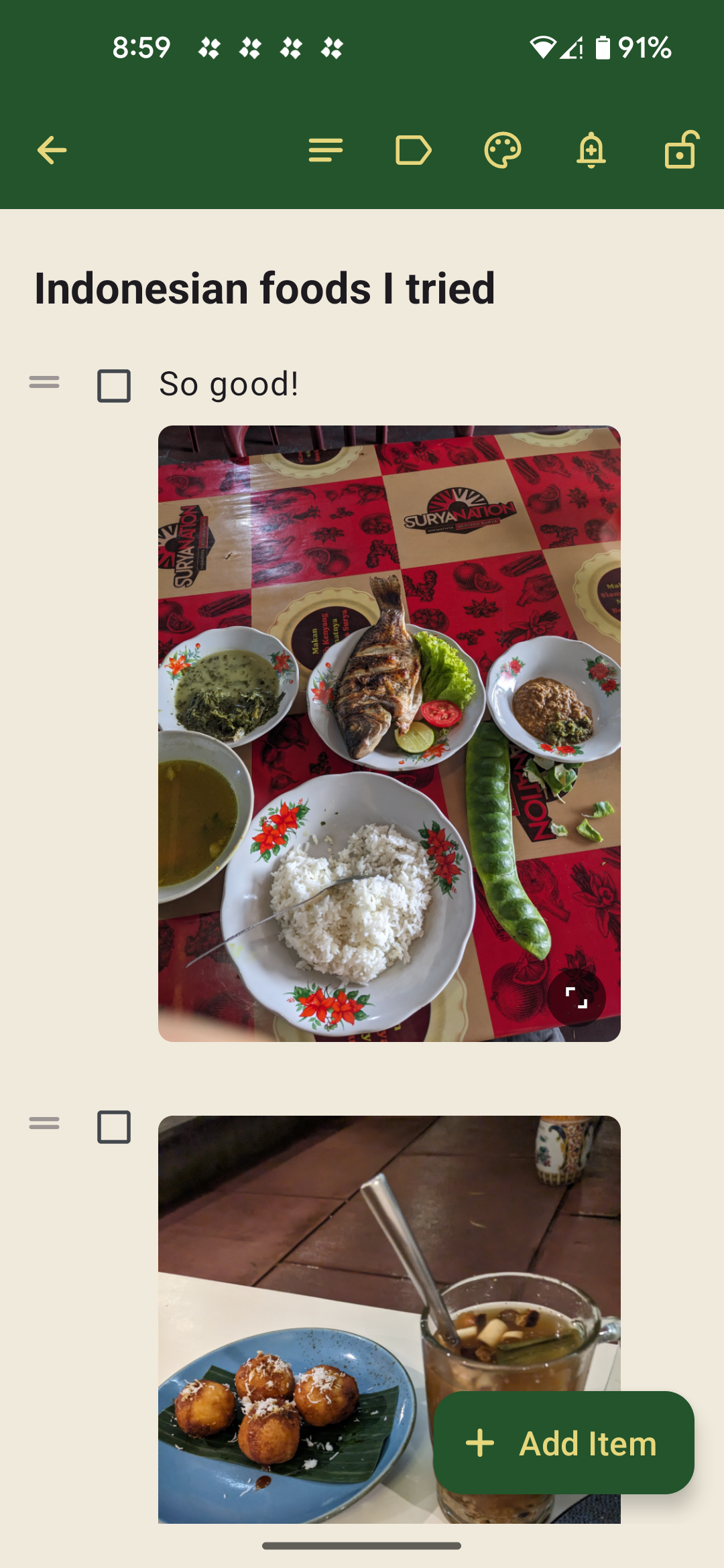
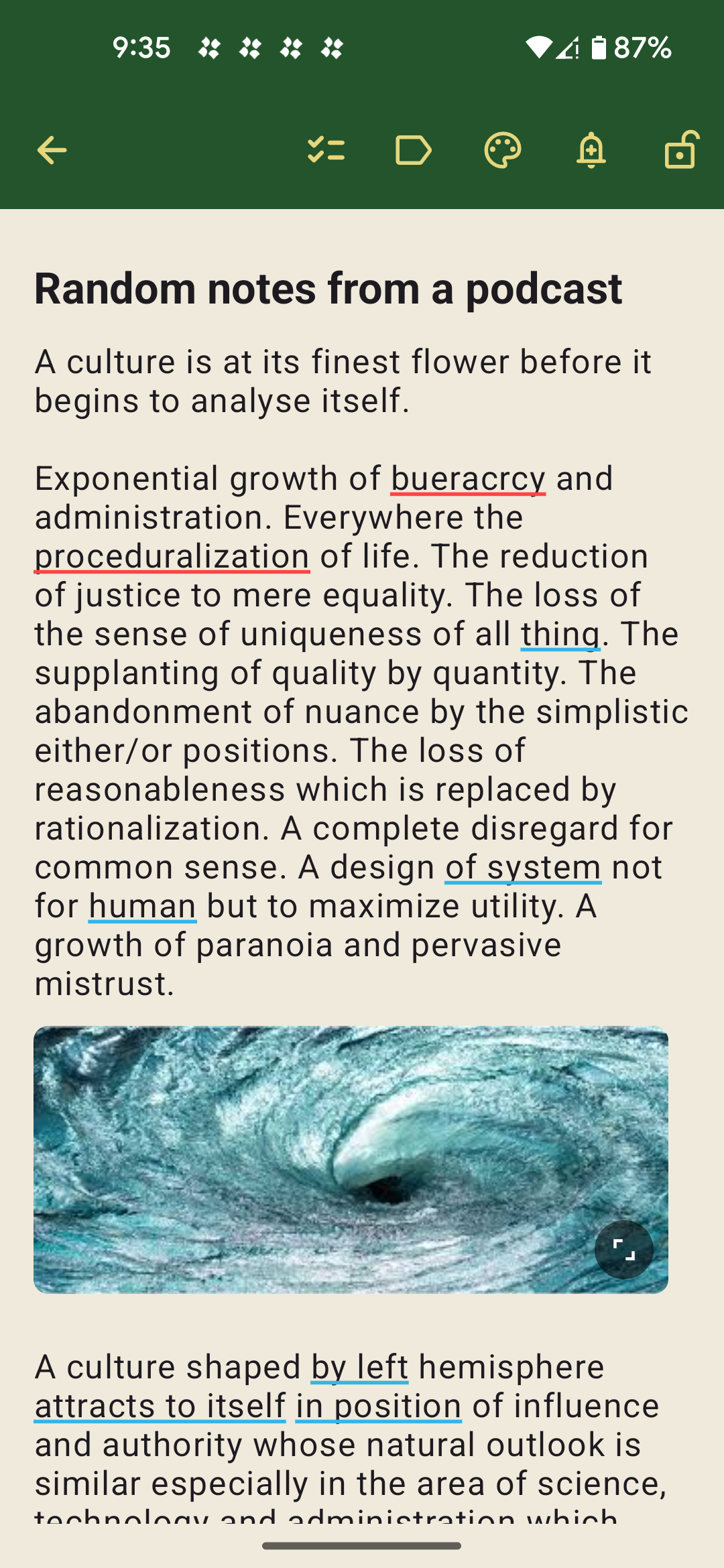
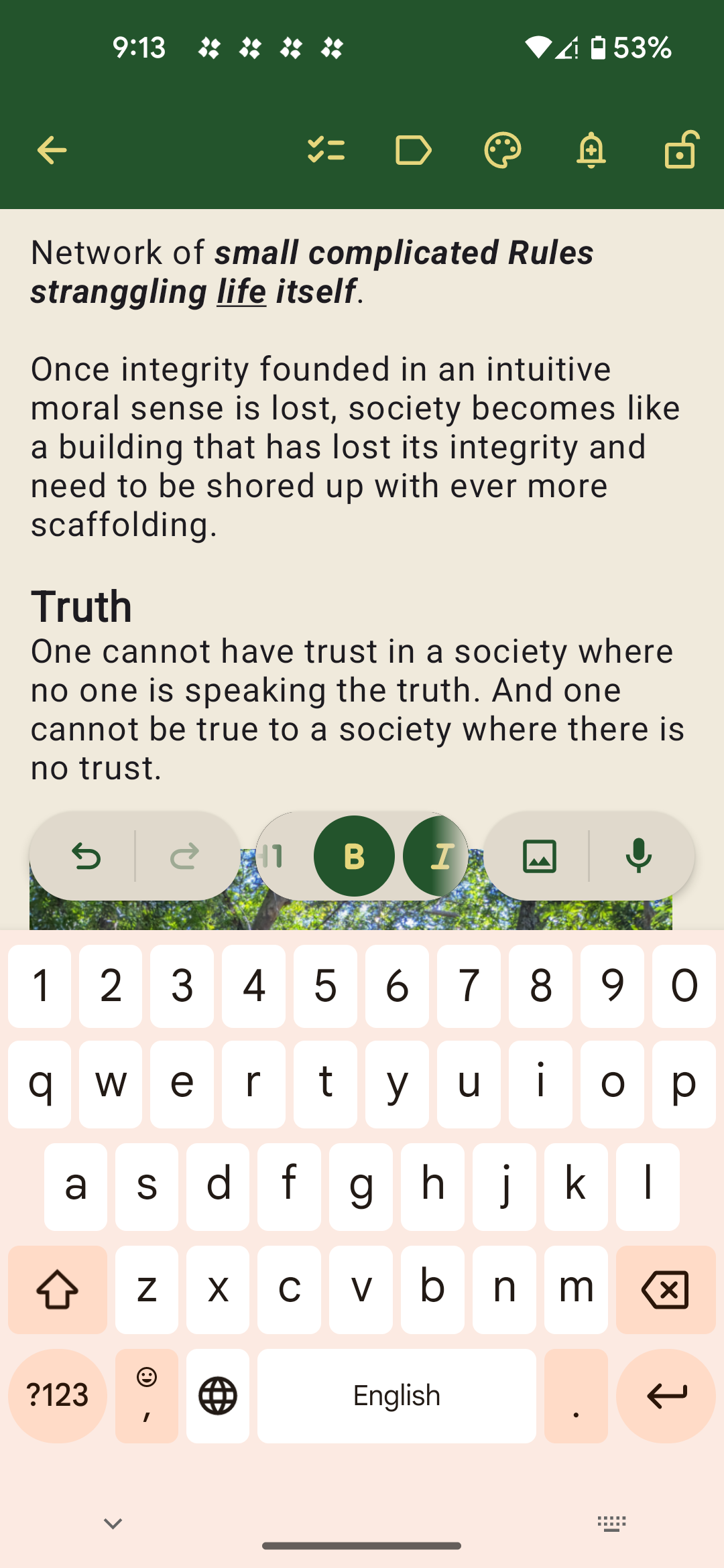
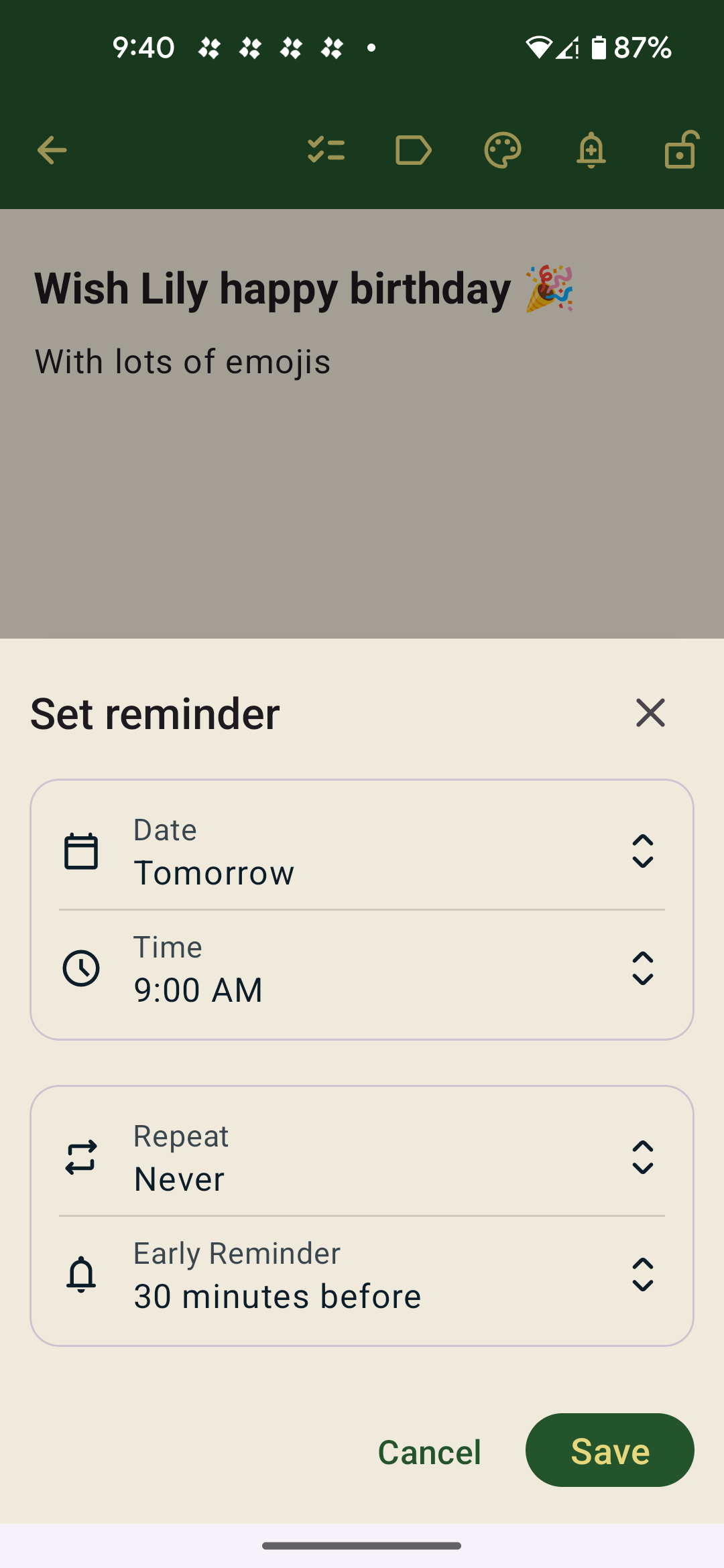
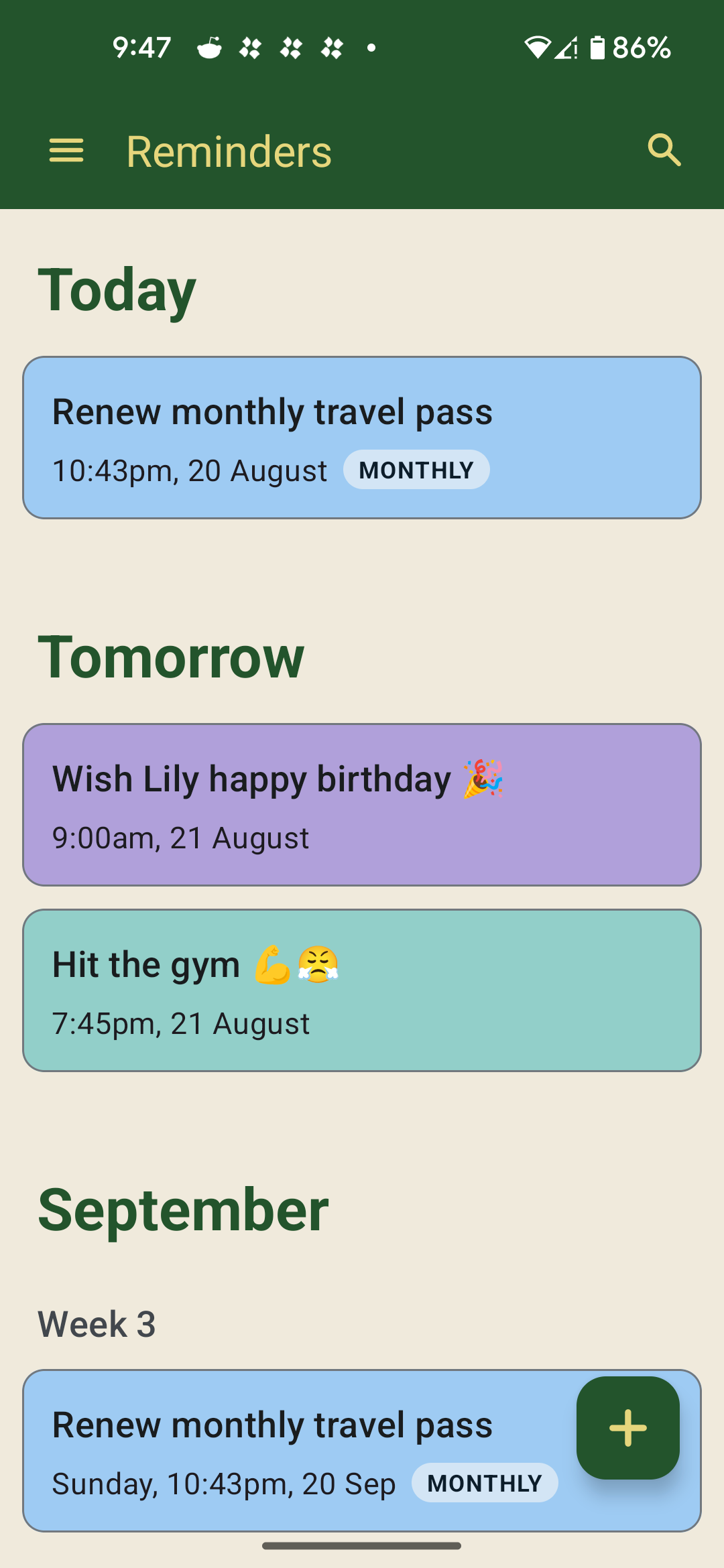
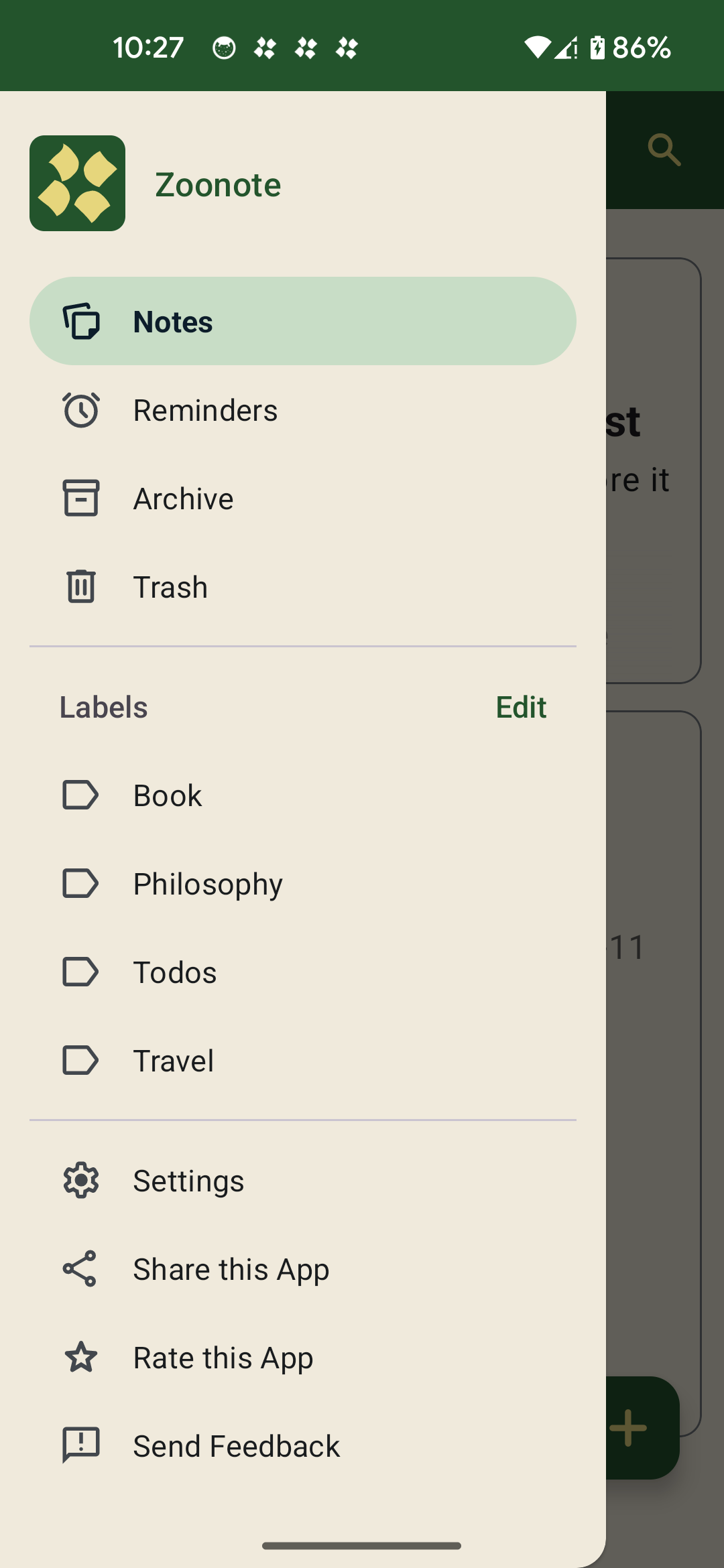
Zoonote, among other things, offers the fastest way to create, view, or edit your notes, to-do lists, and reminders directly on the lock screen and notification panel—no unlocking your phone to search for the app—so you can stay in the flow and never miss a thing.

30-day free trial, access all features with no limits.
No ads. No subscription. No account. No card.
One-time $9.99 purchase to own it forever.
Featured in

On Lock Screen
Add, view, edit and delete your notes directly on your lock screen without unlocking and opening the app. My most favorite feature if you ask me.

Private Notes
Hide your notes behind the lock screen, and intentionally pin any of them to lock screen and notification shade for quick access - if you want.

Create Lists
For shopping, cooking, step-by-step guides, or just to check things off your lists. Access your lists from the lock screen to skip unlocking every damn time.

Set Reminders
Remind yourself of important notes at a specific or recurring date and time. Supports setting up early reminder - just in case.

Search Notes
Easily search for a specific note you have in mind with vague keywords or emojis. It's fuzzy search if you know what I'm saying.
Show Images
Quickly snap photos and add them to your notes and to-do lists—perfect for remembering where you parked your car at the shopping mall.

Speech-to-Text
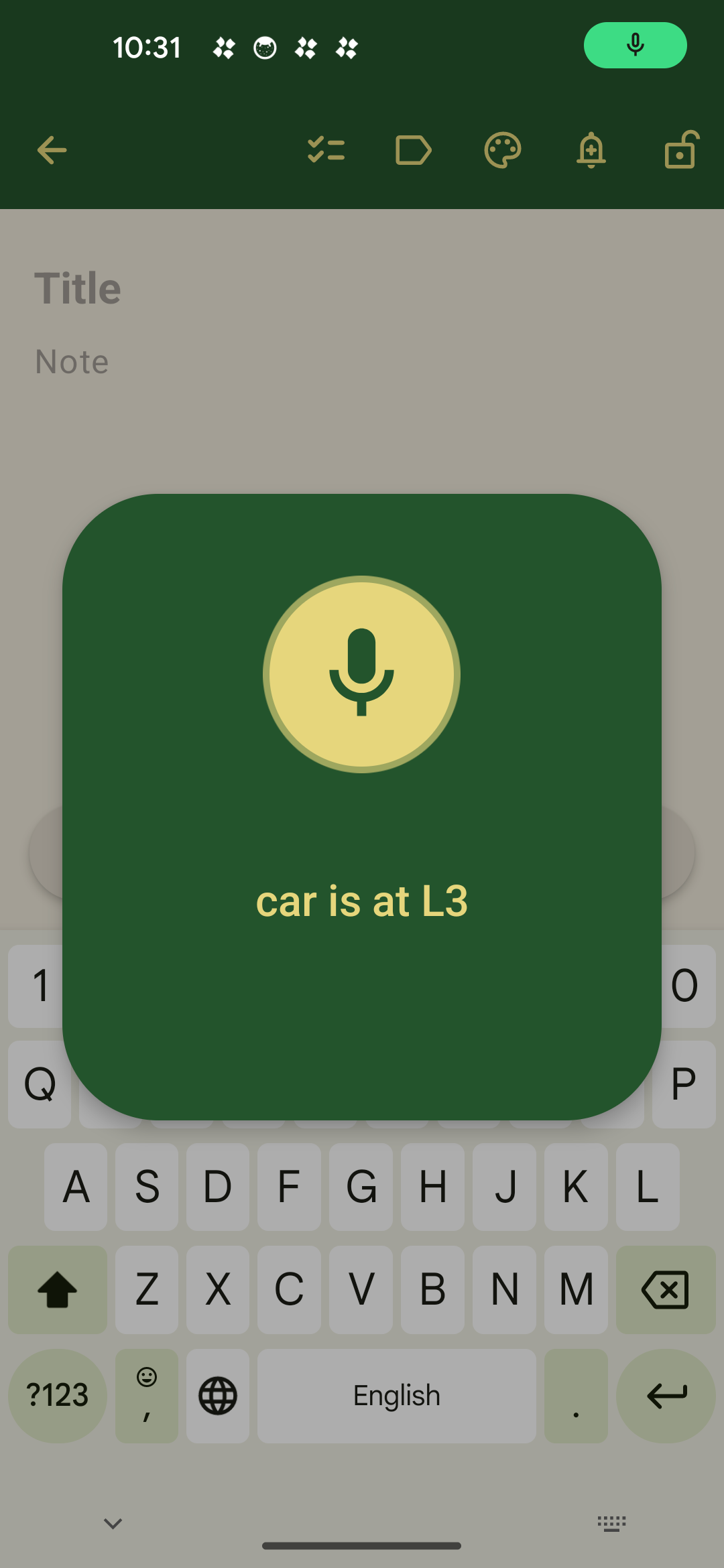
Transcribe your voices into notes instantly. Works on the lock screen too. Use this when you don't mind people overheard you.

Labels
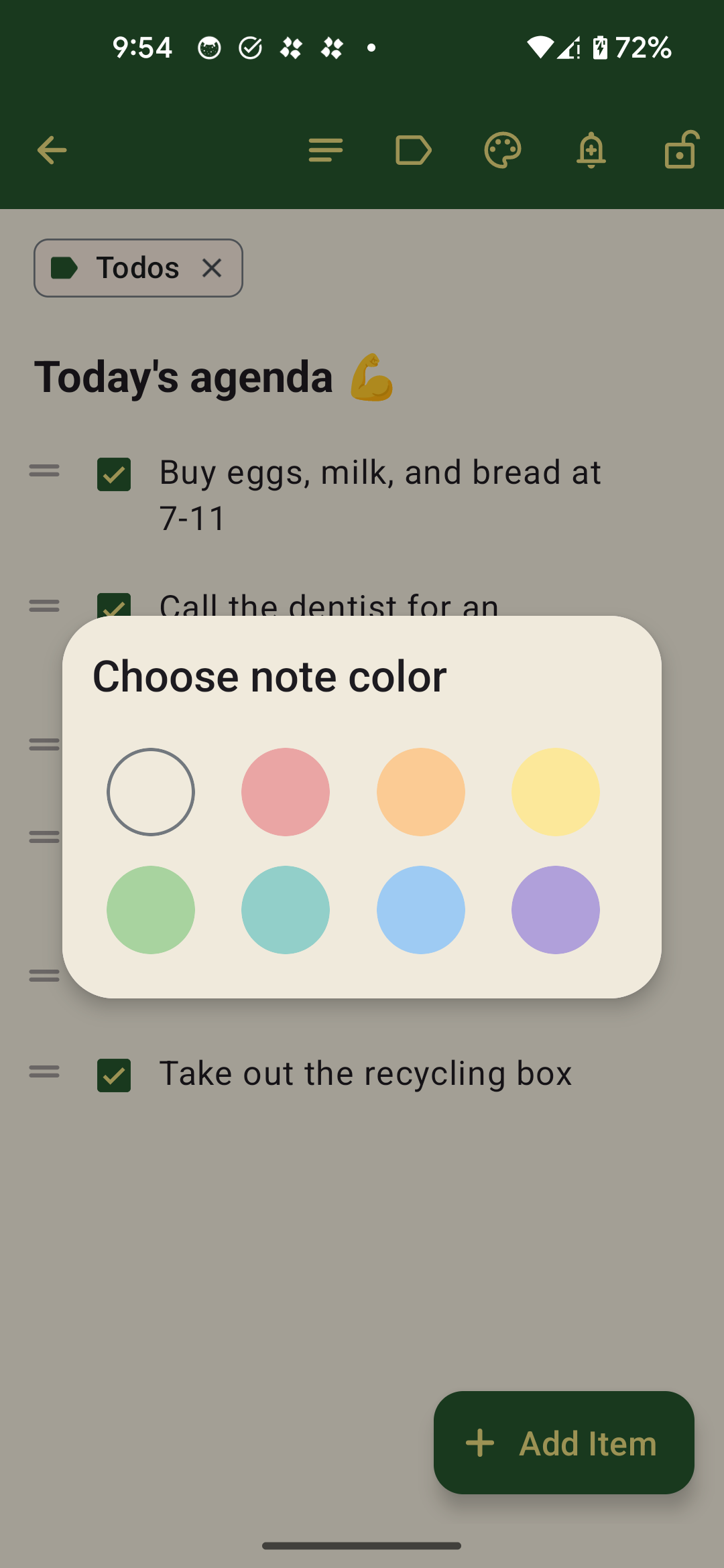
Organize your notes and lists with fully custom and colorful labels. One more reason to buy this app.

Widget
Pin the widget to your homescreen to quickly create, view, or edit notes and reminders. For all you home screen widget aficionados, I've got you covered.

Private & Secure
Your notes are offline. We don't track you and your usage, so no telemetry. No AI processing your notes. No user account required, so no cloud and no personal information to collect.
Dark Mode
Enough said. And did you know that "dark retreat" is actually a thing? Look it up.

Backup & Restore
If you connect your Google Drive account, we will automatically back up your notes in real time as you make changes. You can also easily restore them on new devices or after reinstalling the app.
Nice app for notes and managing to-do lists. Supports images as well. The best alternative to Google Keep.
Works really well—fast loading, clean experience and convenient. I hated having to keep reopening notes to look at my shopping list or other critical notes. This tool has taken that pain away immediately.
A very simple and easy-to-use notepad with no fancy features perfectly meets my needs.
If you are looking for an effective way to be reminded of your tasks, look no further. I've tried a lot of reminder apps and Zoonote took the crown.
This is amazing! It's just what I wanted. I feel like it normally takes so many clicks, etc., to wake up my phone and get to a notes app, so this is much better!!! Right away, I can add a note and use a checklist and set an alarm!
One of the finest app for taking daily notes, managing checklists, reminders. Best alternative to Google Keep I must say.
The fastest way for your notes.
Stay on top of your tasks on the go.
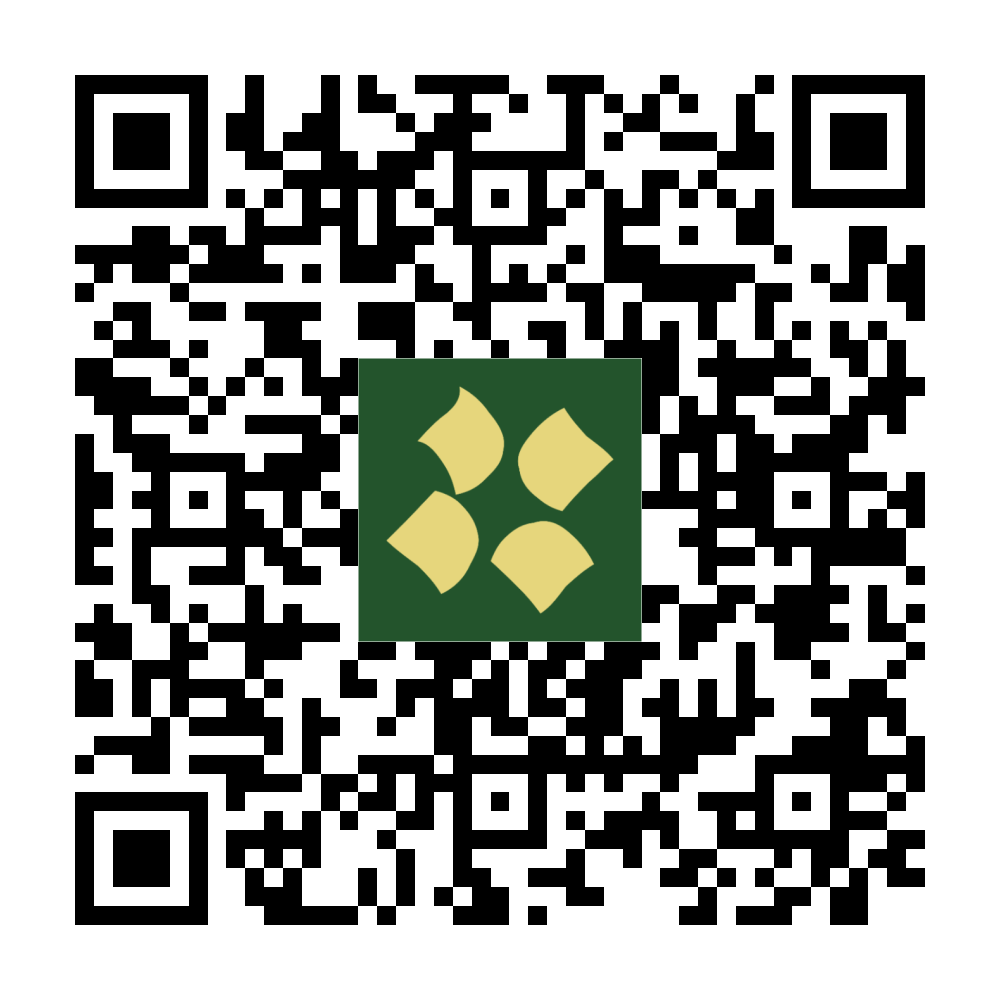
Scan this QR code with your phone to download it for free in the Play Store
Now on Android only